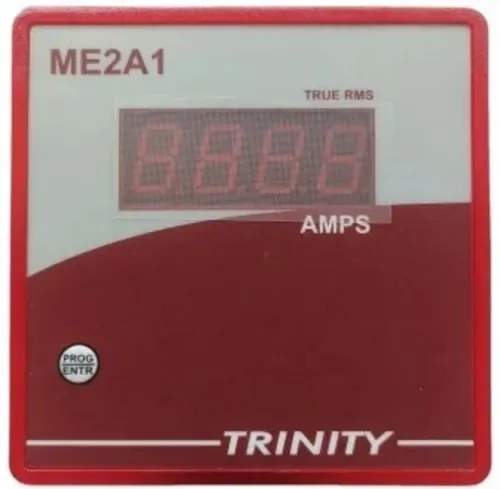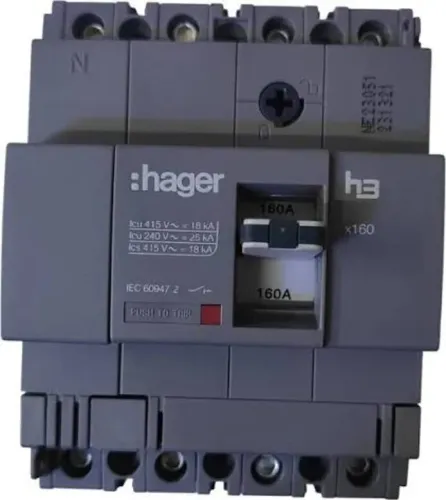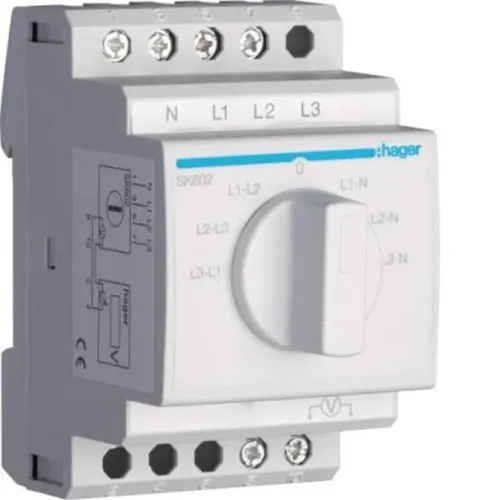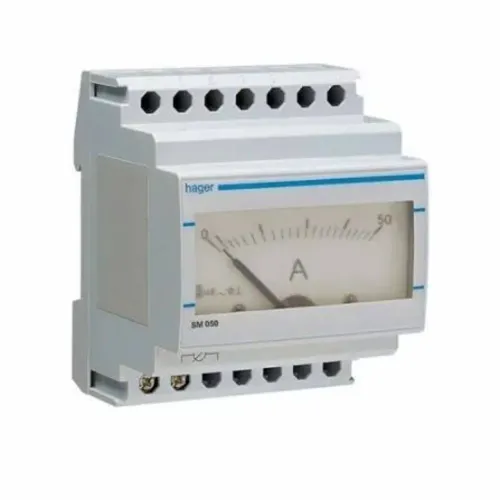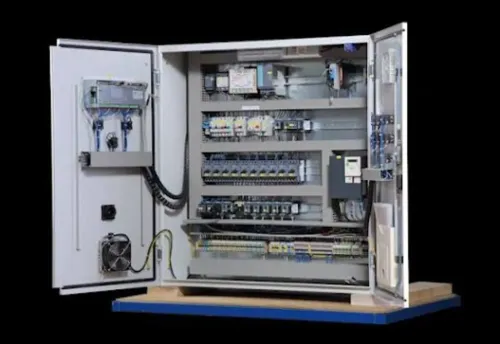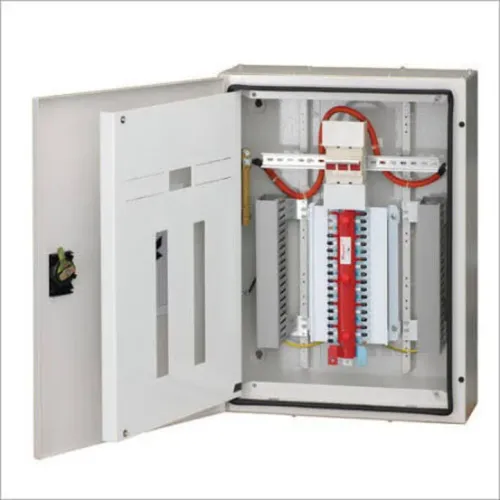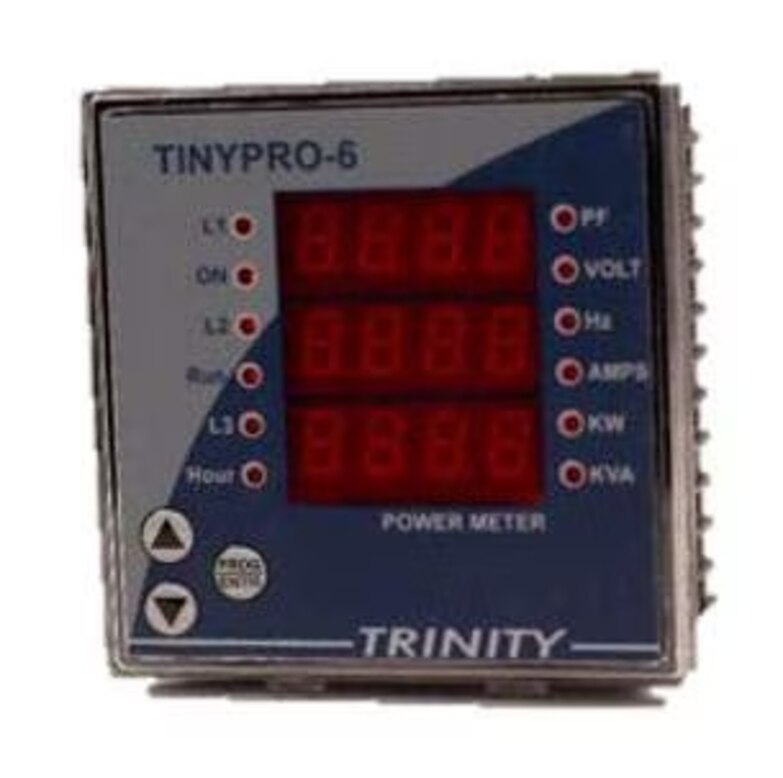
A meter that displays voltage, current and kilowatts can still be the wrong choice for billing, demand control, fault diagnosis or harmonic investigation. Define the electrical system, the data you need and the decision the readings must support before you compare models or request a quotation.
Key takeaways
- Define whether you need billing, demand control, troubleshooting, or power-quality data.
- Choose measurement functions for the job, including demand, harmonics, and revenue accuracy.
- Confirm CTs, PTs, wiring, phase configuration, and installation limits before ordering.
- Ask the dealer to verify data logging, communications, and compatibility with your monitoring system.
Start with the decision the meter must support
Decide what the meter must help you do before asking for a model number. Your energy monitoring requirements differ if you need billing allocation, demand control, equipment troubleshooting, or a power-quality investigation. A live display cannot replace recorded demand data, harmonic analysis, or revenue-grade measurement.
1. Prepare a load list showing each feeder or machine, normal current, maximum current, operating schedule, and whether loads are balanced across phases.
2. Record the supply type: single-phase or three-phase, two-wire or four-wire, nominal voltage, frequency, and any upstream voltage transformer.
3. Mark the measurement points on a single-line diagram. Identify incomers, outgoing feeders, generators, solar connections, tenants, and the exact boundary used for billing allocation.
4. Provide every CT ratio, polarity, class, and location. A ratio chosen only for maximum current can lose low-load resolution; one chosen too small can saturate during a fault.
5. State the required output: instantaneous readings, kWh and kVARh, interval data, peak demand, minimum and maximum values, alarms, or a load profile. Also specify RS485 or another interface, the control system, and who will use the data.
6. Flag special claims before selection. Revenue or tenant billing may require IEC 62052/62053 compliance and legal-metrology verification; power-quality work may require IEC 61000-4-30 methods rather than ordinary voltage and current readings.
Give this information to the dealer, and ask for a written measurement schedule instead of accepting a generic multifunction meter recommendation.
Match the instrument to the measurement job
Choose the instrument by the decision it must support, not by the number of values on its screen. A display showing voltage, current, kilowatts and frequency does not prove demand logging, harmonic analysis or revenue-grade accuracy.
| Option | What it measures or does | When it applies |
|---|---|---|
| kWh meter / kVARh meter | Records active energy or reactive energy over time | Energy accounting, power-factor tracking or basic allocation |
| Multifunction meter | Combines voltage, current, power, frequency, energy and demand readings | Panel monitoring and operational decisions; IEC 61557-12 may apply |
| VAF meter | Displays voltage, amperes and frequency as live values | Quick checks where recorded energy, demand and waveform data are unnecessary |
| Power-quality meter | Captures dips, swells, interruptions, flicker, harmonics and frequency using methods defined by IEC 61000-4-30 | Troubleshooting sensitive equipment or verifying supply disturbances |
| Protection relay | Detects faults and commands a trip through a protection circuit | Overcurrent, under-voltage, earth-fault or other protective action |
Use an energy meter conforming to the applicable IEC 62052/62053 requirements for billing or tenant allocation; a multifunction meter is not automatically a legal billing instrument. Specify whether power factor means displacement power factor, true power factor including harmonics, or both.
For alarms and control, require the needed digital, pulse or hardwired relay outputs. A communications-only alarm can arrive late when polling or the network fails, so a protection relay remains the safer choice for a trip.
Check the electrical measurement architecture
A plausible display does not prove a correct installation. Identify whether the supply is single-phase, three-phase three-wire, or three-phase four-wire with neutral, then confirm the meter’s wiring mode, voltage references, and neutral treatment. An Aron/two-wattmeter connection for a three-wire system cannot be transferred to a four-wire board without the correct configuration.
1. Record nominal voltage, maximum and normal load current, frequency, measurement point, and prospective fault current. Confirm that the meter’s voltage-input range, insulation rating, and IEC 61010 measurement category suit that location; a low-voltage range alone does not make it safe for a service entrance.
2. Select each current transformer for both normal resolution and fault performance. Check the CT ratio, class, phase displacement, burden, secondary wiring resistance, and saturation limit. An excessive ratio hides low-load changes; an undersized CT can saturate during a fault.
3. Match the CT secondary to the meter input and provide a shorting terminal block or approved maintenance device. Never leave a conventional current transformer secondary open while its primary is energized; dangerous voltage can damage equipment or injure personnel.
4. Treat the accuracy claim as one component of the installed chain. CT error, meter input range, wiring, burden, temperature, and phase displacement all contribute, so a 0.5-class meter does not guarantee a 0.5% system result.
Six-pulse drives, UPS units, LED drivers, and switched-mode supplies can distort readings. Confirm that the meter measures true power factor and neutral current; third-harmonic currents add in the neutral instead of cancelling.
Specify the data, demand and communications functions
A meter that refreshes instantaneous readings is not necessarily recording anything. Confirm interval logging, selectable interval, memory capacity, time synchronisation, and data retention after a power loss. Without those details, a week of live values leaves no usable history.
Ask for these stored functions in writing:
- Energy: kWh and kVARh
- Electrical values: voltage, current, power factor, and frequency
- History: minimum, maximum, alarms, and load profiles
- Export: local file, software, gateway, or register access
Define peak demand by its calculation method, not by the meter’s ability to display kW. Match the meter to the utility’s method:
- Fixed-block demand
- Rolling or sliding-window demand
- Thermal demand
- Synchronized reset and interval timing
Different algorithms can produce different maximum-demand values while both meters work correctly. If the meter will control equipment or trigger alarms, specify relay, digital, or pulse outputs; a communications-only alarm can be delayed by polling or lost network access.
For RS485 Modbus RTU, obtain this integration checklist:
- Register map, function codes, scaling, signedness, and word or byte order
- Slave address, baud rate, parity, and stop bits
- Maximum bus length, termination, and electrical isolation
- Polling limits, exception behaviour, and timeout values
- PLC, SCADA, or building-management gateway compatibility
- A live test using actual register values
Confirm that Modbus TCP is not being substituted; it uses Ethernet and a different transport.
Use the dealer as a technical verifier, not just a product source
Ask the dealer for an application-matched evidence pack, not a catalogue page. The pack must prove that the proposed instrument matches your wiring, safety category, data needs and commercial purpose.
- A meter datasheet stating voltage range, current input, CT ratio limits, accuracy conditions, overload limits, insulation rating and measurement category. “Class 1” alone does not prove billing suitability.
- A compliance declaration or test report naming IEC 61557-12 for a power metering and monitoring device, or the applicable IEC 62052 and IEC 62053 requirements for billing. Confirm the accuracy class, verification method and legal-metrology rules with your utility or regulator.
- A register map for the exact firmware, identifying Modbus RTU or Modbus TCP, function codes, scaling, signedness, word order, byte order, polling limits and timeout behaviour. Test those registers against your PLC, SCADA system or gateway.
- A demand example showing the interval, calculation method, synchronisation and reset procedure. A kW display does not prove that the meter calculates your required demand value.
- A wiring diagram and safety file confirming direct-voltage connections, CT wiring and the instrument’s IEC 61010 category.
- A power-quality document naming the IEC 61000-4-30 class when you need compliant event measurements, rather than ordinary voltage and current readings.
- An alarm test showing whether action uses a local relay, pulse output or communications message.
Contact Electrical & Automation Pvt Ltd can use this checklist to verify proposed models against installation drawings instead of supplying an untested part number.
Related products
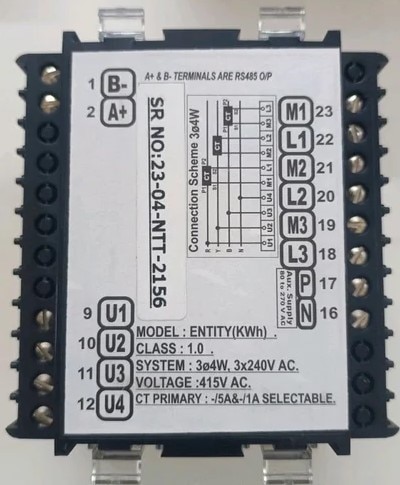 | Digital Energy Meter MODEL: Entity KWH Digital Energy Meter MODEL: Entity KWH ENTITY KWH, KVARH, 60 Amp with RS485 View product → |
 | MULTIFUCTION METER MODEL: TINY PRO 6 MULTIFUCTION METER MODEL: TINY PRO 6 Features 1. Multiparameter monitoring. 2. All parameters with default accuracy class 1.0 3. Measures V, I, KW and Hz 4. View product → |
Frequently asked questions
What should you decide before choosing a multifunction power meter?
Define the decision the meter must support, such as billing allocation, demand control, equipment troubleshooting, or power-quality investigation.
How do you match a power meter to the measurement job?
Compare the required accuracy and functions, including recorded demand, harmonic analysis, energy measurement, and power-quality values.
Which electrical details must you check before ordering?
Verify the system voltage, phase arrangement, current-transformer and potential-transformer ratios, wiring method, and installation architecture.
What should a multifunction power meter dealer verify?
Ask the dealer to confirm data logging, demand intervals, communications protocol, software compatibility, and fit with your existing monitoring system.
Related products
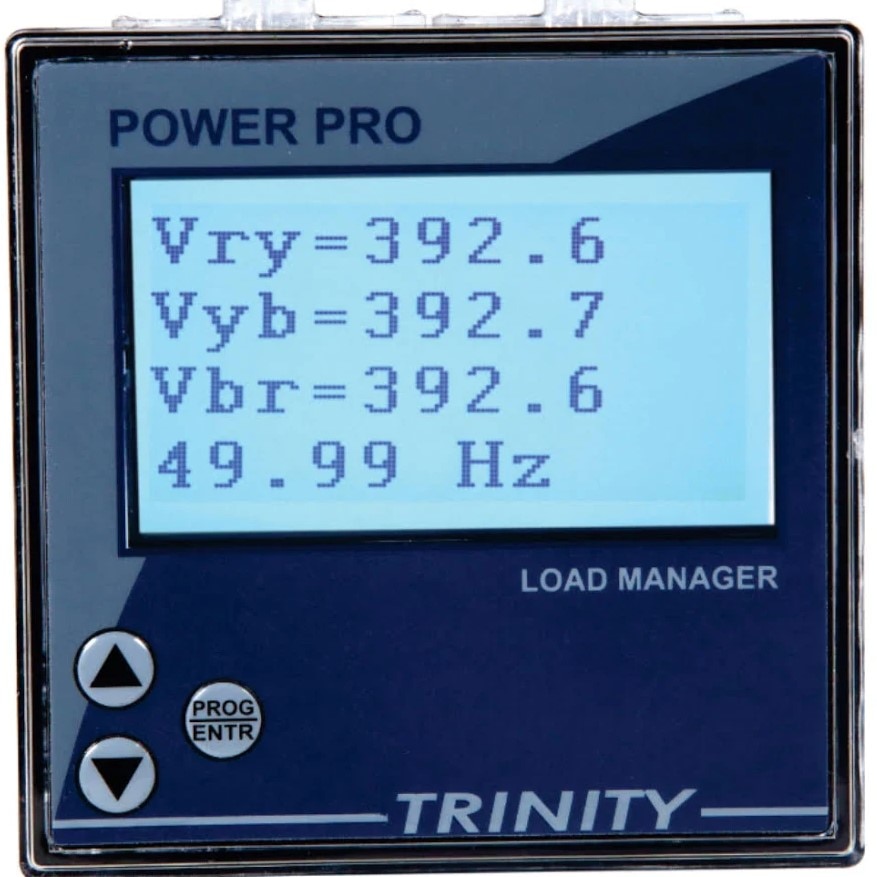 | POWER PRO Intelligent And Smart Meter BASIC 16 X 4 View product → |
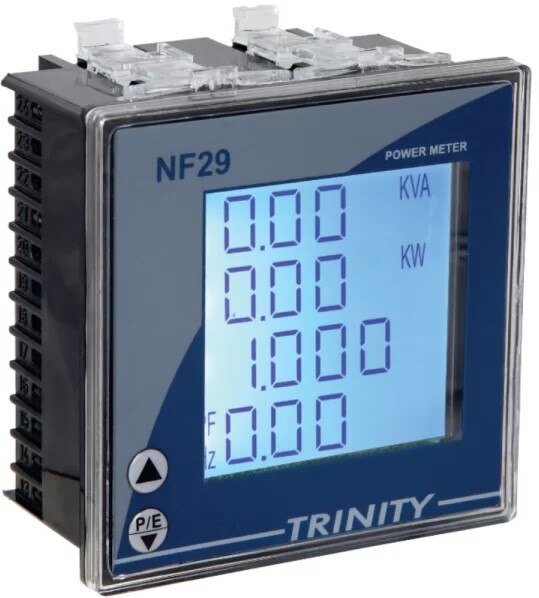 | MULTIFUCTION PANEL METER MODEL: NF29 MULTIFUCTION PANEL METER MODEL: NF29 MFM With Customized LCD, With THD View product → |